 underpaid.work
Join the Beta
Search Widget is testing on Google Play. Join the tester group, then install from the Play Store link below. Use the same Google account your Play Store is signed in with — the full walkthrough covers that and what to do if the app does not appear.
About
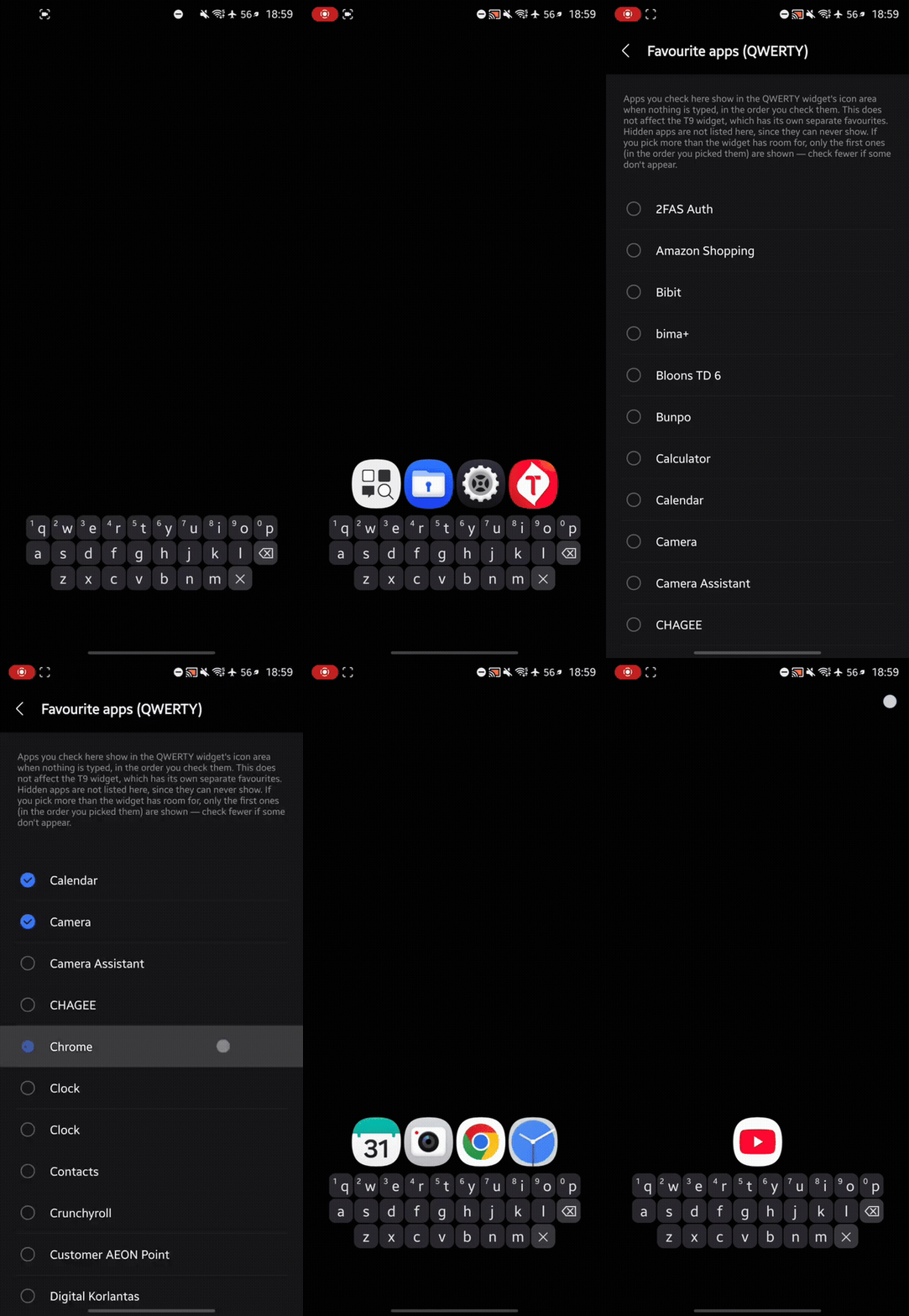
Search Widget puts a keyboard on your home screen, so finding an app takes a couple of taps instead of a swipe, a scroll and a squint. Type a letter or two — matching apps appear immediately, and one tap launches them. There is no search box to focus first, no app drawer to open, and nothing to scroll.
Features
- Keyboard In The WidgetThe keys are part of the widget. Typing does not open anything first.
- Names FirstApps starting with what you typed come before apps that merely contain it.
- No Query BarWhat you typed is highlighted inside each app's name, where you are already looking.
- Work Profile AppsIncluded automatically and shown with a work badge.
- Adjustable OpacitySet how solid the panel is, from opaque to invisible. Keys stay legible either way.
- Light And DarkTwo palettes, chosen in the app and independent of your system theme.
How to Use
- Add the "Search Widget" to your home screen (long-press → Widgets).
- Tap the keys to search. Matching apps appear as you type.
- Tap an app icon to launch it.
Privacy
Search Widget works entirely offline. It requests no permissions at all, and contains no networking code — it cannot send data anywhere, because it has no means of doing so. Your settings and whatever you have typed stay on your device.